
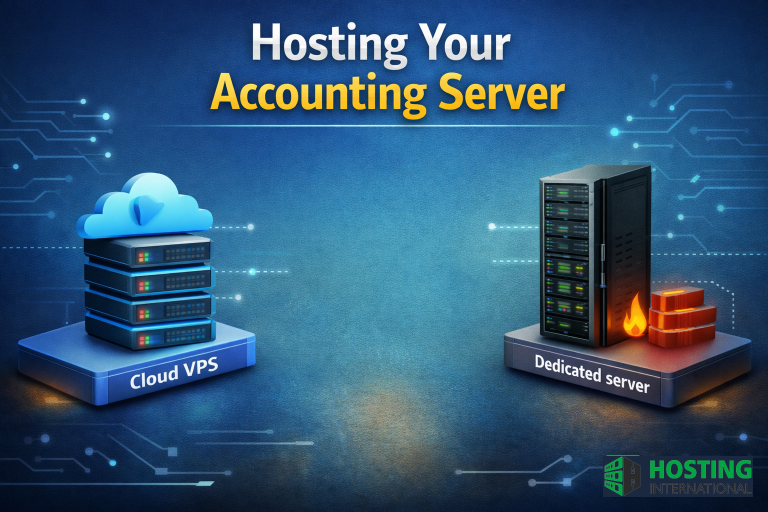
Modern accounting is no longer about paper folders and calculations on a local PC. Today it’s built on e-document workflows, integrations with banking APIs and government registries, digital signatures, and real-time processing of large data sets. To keep all of this fast, reliable, and secure, companies need proper infrastructure – an accounting server that becomes the centralized hub for storing and processing financial data.
In this article, we’ll explain why accounting needs a server, what typically runs on it, and how to choose between a VPS and a dedicated server. We’ll also cover migration from 1C Accounting and the benefits of hosting your 1C server with a provider.
Why accounting needs a server
Here are the main reasons businesses move accounting to server infrastructure:
- Centralized data storage. Databases (1C/BAS), Excel files, contracts, invoices, and documents are stored in one protected place – which also simplifies backups.
- Multiple users working simultaneously. Accountants, management, sales, and other departments can work in parallel without file copies and conflicts.
- Secure access from anywhere. Authorized remote access (RDP/VPN/terminal solutions) allows staff to work from the office, home, or business trips.
- Higher performance for heavy workloads. Server-grade CPU/RAM and SSD/NVMe storage handle large databases and reports much faster than a standard PC.
- Better security and control. Role-based access, logging, protection from unauthorized changes and deletions, and predictable backup routines.
Yes, it’s possible to run accounting “on PCs,” but the risks increase: duplicated files, data loss, unstable performance, limited access control, and more manual operations.
What runs on an accounting server
An accounting server is not just storage – it’s also where the core accounting software and related tools operate, for example:
- 1C Accounting / BAS Accounting / BAS ERP and other automation platforms
- electronic document workflow and exchange with counterparties and registries
- reporting automation, including integration with digital signatures
- scheduled backups and recovery testing
- collaboration with other departments (sales, warehouse, finance)
This approach saves time, improves accuracy, and reduces operational risks – especially when reporting periods are busy.
VPS vs dedicated server: what should you choose?
There are two common ways to deploy accounting infrastructure: renting a VPS or using a dedicated server.
VPS (Virtual Private Server)
A VPS is a virtual server hosted in a provider’s data center.
Key benefits:
- fast deployment – a VPS can be provisioned in hours
- the provider maintains the physical hardware
- easy scaling: add CPU/RAM/storage as your needs grow
- predictable monthly cost, ideal for small and mid-size businesses
- high availability and stable connectivity in professional data centers
Things to consider:
- monthly subscription cost
- depends on your internet connection for remote work (which is typically the case for any remote access model)
For most companies, VPS is the most practical option for accounting and 1C server hosting. You can order VPS from us here
Dedicated server
A dedicated server is a physical machine fully reserved for your business.
Key benefits:
- maximum performance under constant heavy load
- full control over hardware and software
- can fit strict security or isolation requirements
Things to consider:
- higher initial cost and ongoing maintenance needs
- scaling is harder compared to VPS
- requires professional administration and monitoring
Dedicated servers usually make sense for large enterprises, heavy databases, strict compliance requirements, or special architecture needs. To view our for high-performance dedicated server plans please use link https://hosting.international/dedicated-servers.php
Migration from 1C Accounting and hosting your 1C server
If you already run 1C locally, the next step is often a smooth and secure migration from 1C Accounting to a server environment. This is where professional hosting of your 1C server becomes valuable – you gain stability, speed, remote access, and predictable backups.
What a typical 1C migration includes
- transferring 1C databases (file-based or SQL) and verifying integrity
- deploying Windows Server / SQL Server when required
- configuring remote access (RDP/VPN), roles, and permissions
- setting up licensing and user sessions
- implementing backup strategy (daily backups + restore tests)
- performance tuning and monitoring setup
- test запуск and final cutover with minimal downtime
A proper migration ensures your accounting team continues working without interruptions – and you avoid risks like broken permissions, slow performance, or unreliable backups.
Recommended VPS specs for accounting workloads
Exact requirements depend on database size and the number of users, but a typical baseline for a small to mid-size team looks like this:
- CPU: 4+ cores, ~2.6 GHz or higher (often enough for ~10 users, depending on workload)
- RAM: 8 GB minimum (16 GB is often a comfortable starting point for active 1C usage)
- Storage: SSD or NVMe (critical for database performance)
- Network: stable connectivity, 100 Mbps or higher
- OS: Windows Server (best compatibility for common accounting software) or Linux (for specific setups and higher flexibility)
It’s also recommended to use an additional storage layer or separate backup space for daily backups.
Security: must-have components
Accounting systems store highly sensitive business data, so security is not optional. Your VPS or dedicated server should include:
- secure, authorized access (VPN/RDP with proper hardening)
- role-based permissions
- firewall + antivirus/endpoint protection
- encryption for data and traffic where applicable
- monitoring, event logging, and alerts
- regular backups + restore verification
A common mistake is renting infrastructure for accounting and ignoring security – which can lead to leaks, unauthorized access, or financial losses.
Why keeping a server in the office is often a bad idea
Some businesses prefer installing a server in their office, but in practice it creates additional costs and risks:
- need for backup power (UPS) and stable electricity
- cooling and fire protection requirements
- 24/7 monitoring and maintenance
- physical security concerns
- weak reliability compared to data center infrastructure
That’s why renting a VPS or placing a dedicated server in a professional data center is usually safer and more efficient.
Summary
A server is now a necessity for modern accounting. It enables fast and stable work with 1C and related systems, secure remote access, controlled collaboration, and reliable backups. For most companies, a VPS is the best balance of price, flexibility, and speed – while a dedicated server is a strong option for heavy workloads and strict requirements.
Our company provides VPS and dedicated server rental, including migration from 1C Accounting and full hosting of your accounting server. We offer flexible configurations, quick deployment, and fast scaling – plus assistance with initial setup and selecting the optimal infrastructure for your workload.